
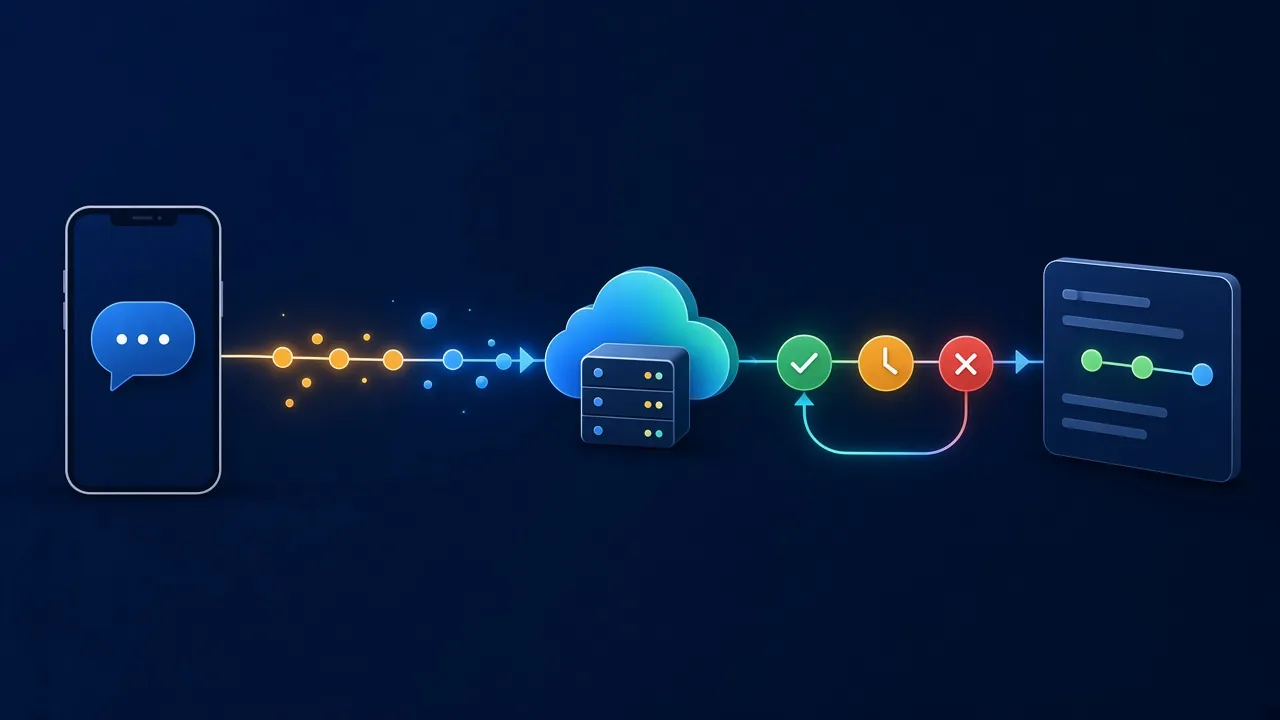
Sending an SMS from an application is usually straightforward: your server calls an SMS API and receives a response. But that response does not necessarily tell the whole story. To understand what happens after submission, an application needs a way to track the events associated with each message.
That is where webhooks and delivery receipts become useful. They let an application receive updates when a message changes state, instead of assuming that the API’s initial response describes the final outcome.
1. The API response is only the beginning
When an API accepts a request, it generally means the request was received and processed at the relevant stage. It does not automatically mean that the recipient’s phone received the SMS.
Depending on the API and network, the message may be queued, handed to an operator, delivered, rejected or left without a usable final status. Exact status names vary by provider, so always refer to the documentation for the API you use.
A robust integration distinguishes request acceptance from the delivery outcome whenever a delivery report is available.
2. What does an SMS webhook do?
A webhook is an HTTP request sent by a service to your application’s URL when an event occurs. In SMS messaging, it may carry a status update or delivery report.
Instead of repeatedly polling for each message, your application exposes an HTTPS endpoint that can receive these notifications. The server validates the request, identifies the relevant message and records the event.
The exact payload, signature mechanism and available events depend on the provider. Do not assume that every SMS API implements them in the same way.
3. Build a reliable endpoint
A webhook endpoint should be simple, secure and able to respond quickly.
- Use HTTPS. Avoid exposing an unencrypted callback endpoint.
- Verify the event source. Use the provider’s authentication or signature mechanism when available.
- Validate incoming data. Never blindly trust webhook parameters.
- Respond quickly. Record the event and move heavier processing to a queue.
- Log failures. Keep enough information to investigate problems without unnecessarily storing sensitive data.
An asynchronous design helps handle bursts of events and prevents webhook reception from being blocked by another component that is temporarily unavailable.
4. Expect repeated events
Notification systems may retry a webhook if your endpoint does not respond as expected. Your application may therefore receive the same event more than once.
Use idempotent processing: receiving the same event twice should not trigger the same business action twice. If the provider supplies an event identifier, use it to detect duplicates. Otherwise, design a suitable strategy around the identifiers and states available to you.
Keep an event history rather than overwriting every update without a trace. That history helps reconstruct a message’s timeline when a customer reports an issue.
5. Do not confuse a missing receipt with a failure
A message with no visible delivery report has not necessarily failed. The report may be delayed, unavailable on a particular route or simply not received by your application.
Your system should distinguish confirmed statuses from unknown or pending states. Do not treat a missing callback as proof that the message was not delivered. Define a monitoring policy, a waiting period and a diagnostic process instead.
6. What should you monitor?
Track metrics such as:
- the number of requests accepted by the API;
- the share of messages with a usable delivery status;
- the time between submission and delivery report;
- webhook reception errors;
- duplicate events and events that cannot be matched to a message;
- results by country, operator or message type where the data is available.
These indicators help separate an application-side problem from an issue further along the delivery chain.
7. A production-readiness checklist
Before deploying an SMS integration, make sure your application:
- stores the message identifier returned by the API;
- exposes a protected HTTPS endpoint for callbacks;
- validates and logs incoming events;
- handles duplicates without repeating business actions;
- distinguishes confirmed states from unknown states;
- monitors errors and has a diagnostic procedure.
Webhooks do not guarantee SMS delivery by themselves. They give your application better visibility into the events available to it and help it respond more reliably.
In short: an SMS integration does not end with the API call. Event tracking, error handling and useful logs are essential to understanding what really happens to messages.